Contacting Common Room Support
Last updated Sep 25th, 2026
Need help from Common Room? Submit a request through the Support Portal or email support@commonroom.io — both create a trackable ticket and connect you with our Support team.
Quick answer
- Fastest option: Support Portal — submit, track, and reply to tickets in one place.
- Also works: Email support@commonroom.io — this automatically opens a ticket.
- First time? Sign up with the same email you've used with Common Room before, so your ticket history links to your account.
How do I contact Common Room Support?
Support Portal (recommended)
The fastest way to get help is through the Common Room Support Portal.
From the portal, you can:
- Submit a new support request
- View all of your organization's open and closed tickets
- Track the status of your requests
- Reply directly to our team and receive updates in one place
If you're an existing customer, bookmark the Support Portal for future requests.
How do I create a Support Portal account for the first time?
- Go to the Common Room Support Portal.
- Select Sign in.
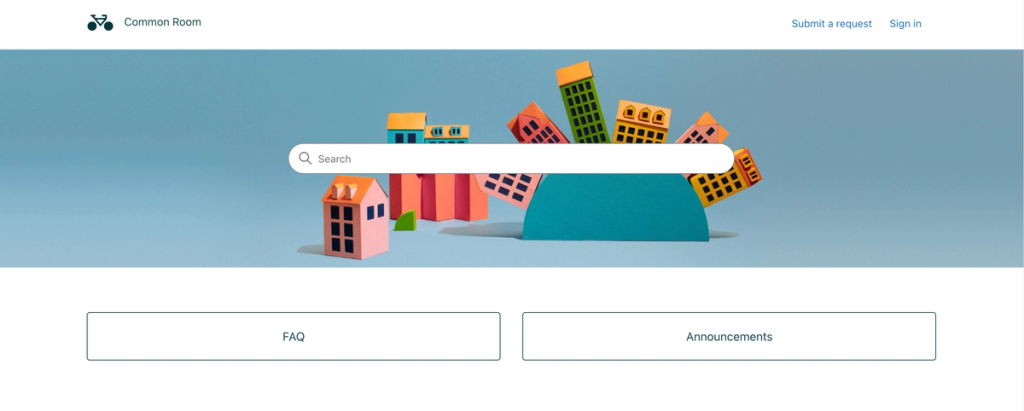
- Click Sign up.
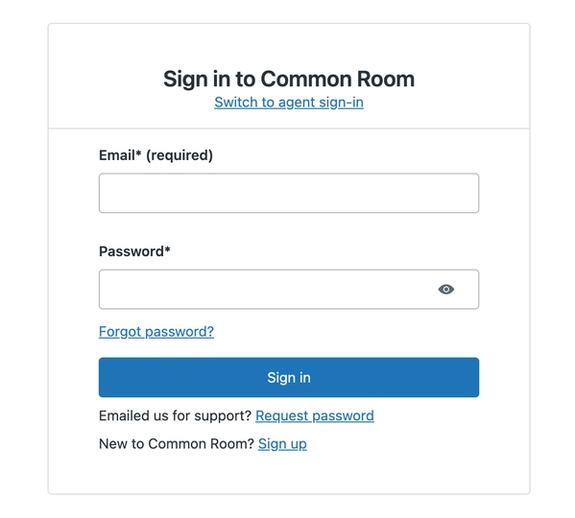
- Enter your name and the email address you'd like to use for your Support Portal account.
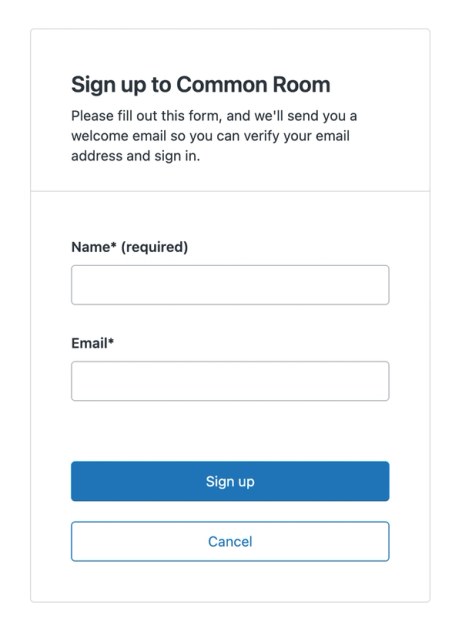
- Check your inbox for the verification email from Common Room.
- Follow the verification link to create your password.
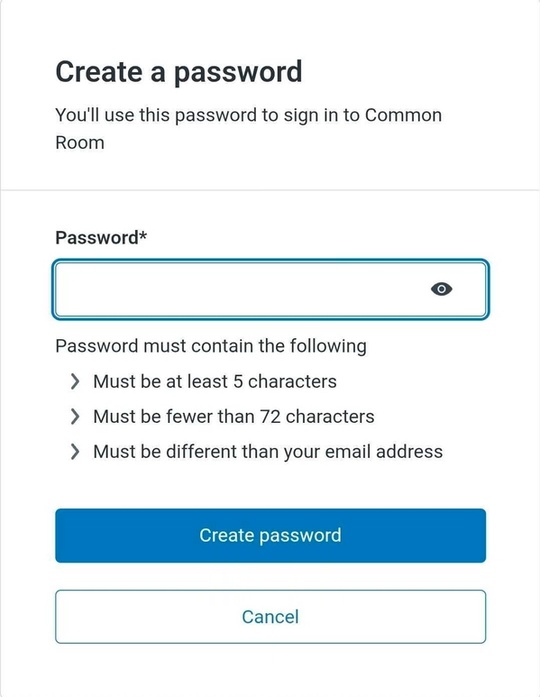
- Sign in to access your support requests and submit new tickets.
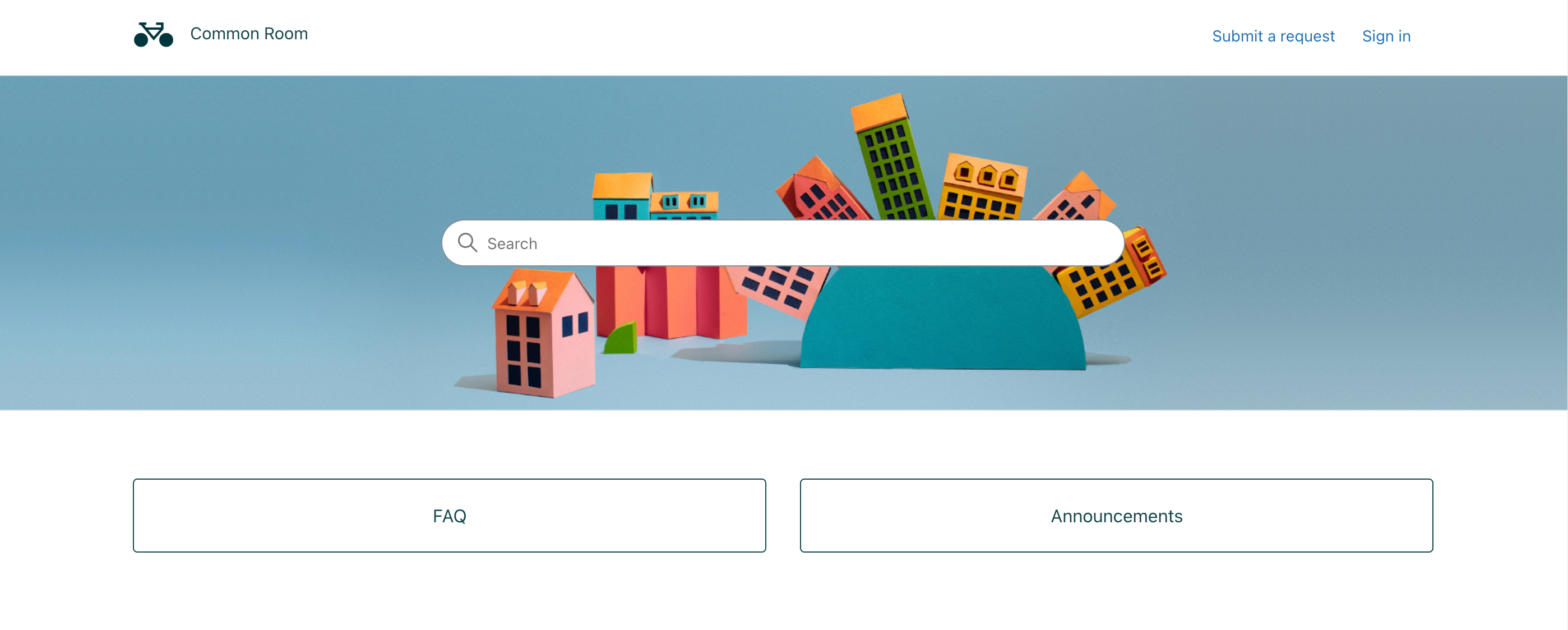
If you've previously contacted Common Room Support by email, register using that same email address so your existing support history is associated with your account.
Can I contact Support by email? xx
Yes. Email support@commonroom.io and we'll respond there. Every email automatically creates a support ticket, so our team can track your request from start to finish.
What information should I include in a support request?
Include as much of the following as you can, so we can start troubleshooting faster:
- A description of the issue or question
- The URL of the affected room, workflow, or page
- The names of any impacted users
- Screenshots or screen recordings
- Error messages (if applicable)
- The date and approximate time the issue occurred
- Steps to reproduce the behavior
What happens after I submit a support request?
- You'll receive a confirmation email with your ticket number.
- A member of our Support team reviews your request.
- We investigate, keep you updated on progress, and reach out if we need more information.
- You're notified whenever your ticket is updated.
You can check the status of any request in the Support Portal at any time.
What can Common Room Support help with?
Our team can assist with:
- Product troubleshooting
- Integration setup and configuration
- Import and sync issues
- Authentication and access questions
- Product behavior and best practices
- Bug investigation and reporting
- General product questions
If your request needs input from another team, we coordinate internally and stay the primary owner of your case throughout the process.
How long does Common Room Support take to respond?
Our goal is to respond as quickly as possible. Response times vary by support plan and the complexity of your request.
For issues requiring Engineering investigation, we continue providing updates and remain your primary point of contact until the issue is resolved.
Best practices for working with Support
- Keep all updates in the same ticket instead of opening multiple requests for the same issue.
- If your issue changes or new information becomes available, reply to the existing ticket rather than starting a new one.
- For urgent, production-impacting issues, clearly state the business impact when you submit your request.
Not sure if this is a Support question?
Submit a ticket anyway. We'll make sure it reaches the right team and help guide you to the best path forward.